Whisk Has Moved to Flow: What Changed and What You Need to Do
Google retired Whisk on 30 April 2026 and moved it into Flow. What changed, where the subject-scene-style inputs went, and what to do with your old work.
Read Full Article →Google retired Whisk as a standalone tool on 30 April 2026. Its subject-scene-style remixing now lives inside Flow, Google's combined image and video studio, and the old Whisk address redirects there on its own.
If you had images sitting in a Whisk library, they are gone. Google deleted anything that wasn't migrated before the cutoff. Credits carried across by themselves, so there was nothing to do on that side. Flow hasn't launched everywhere, which caught out people in countries where it still isn't offered.
The three-input idea survived the move intact — you still hand it a subject, a scene and a style. What changed is that Flow puts video generation and a scene builder on top, so the same reference images can drive a short clip instead of a single frame.
Most of the guides on this site were written while Whisk was still standalone, and we are working through them. Where a page tells you to open Whisk, open Flow instead — the workflow is much the same, the address is not.
Open Flow on Google Labs Read the full breakdown →
Source: Google Workspace Updates, March 2026. Last checked 4 September 2026.
Whisk and Flow: guides, tutorials and what has changed.
Guides and tutorials covering Whisk and Flow, the tool that replaced it. Posts written before the April 2026 move describe the old standalone interface and are marked at the top where that no longer matches what you will see on screen.
Google retired Whisk on 30 April 2026 and moved it into Flow. What changed, where the subject-scene-style inputs went, and what to do with your old work.
Read Full Article →
A walkthrough of three Google Labs tools — Whisk, Flow and Pomelli — what each was built for, and how Whisk ended up absorbed into Flow.
Read Full Article →
What Whisk was, how the three-input system worked, how to pick reference images that behaved, and which parts of it carried over into Flow.
Read Full Article →
A review of Whisk covering interface, output quality, speed and limits, and how it compared with the alternatives available at the time.
Read Full Article →
Whisk took images as input where Midjourney, DALL-E and Stable Diffusion take text. A comparison of what that changed in practice.
Read Full Article →Whisk AI is Google Lab® experimental tool for enhancing your text-to-image prompts, helping you create stunning visuals with precise descriptions.
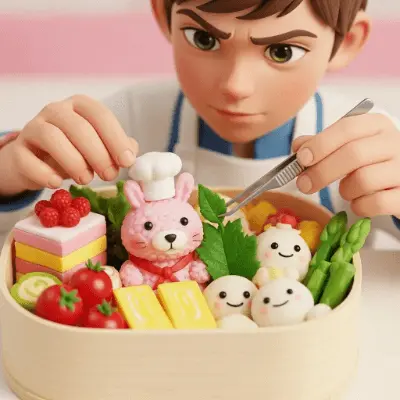
Master Whisk AI's core functionality with the three-input system that defines your composition. Subject The primary focus or main character of your image. Scene The environment or background context for your subject. Style The artistic approach and visual aesthetic.
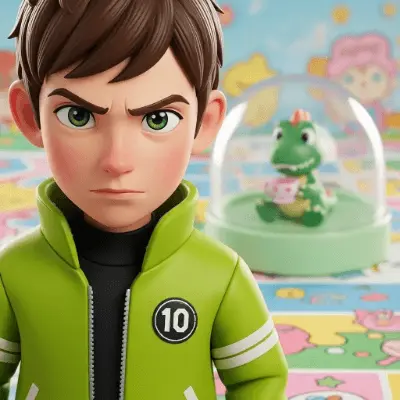
The quality of your input images directly impacts your results. Follow these guidelines. Subject Images High-resolution with sharp focus and clear background separation. Scene Images Balanced visual interest with appropriate lighting. Style References Clear distinctive aesthetic approaches.

Follow this workflow for consistent high-quality results. Upload subject image and review AI interpretation. Add scene image for environmental context. Include style reference for aesthetic direction. Review all inputs as a cohesive group. Generate and iterate based on resultss.